Planning tools for Anime Ascendants
Reference tables for traits and squad recipes — not live calculators.
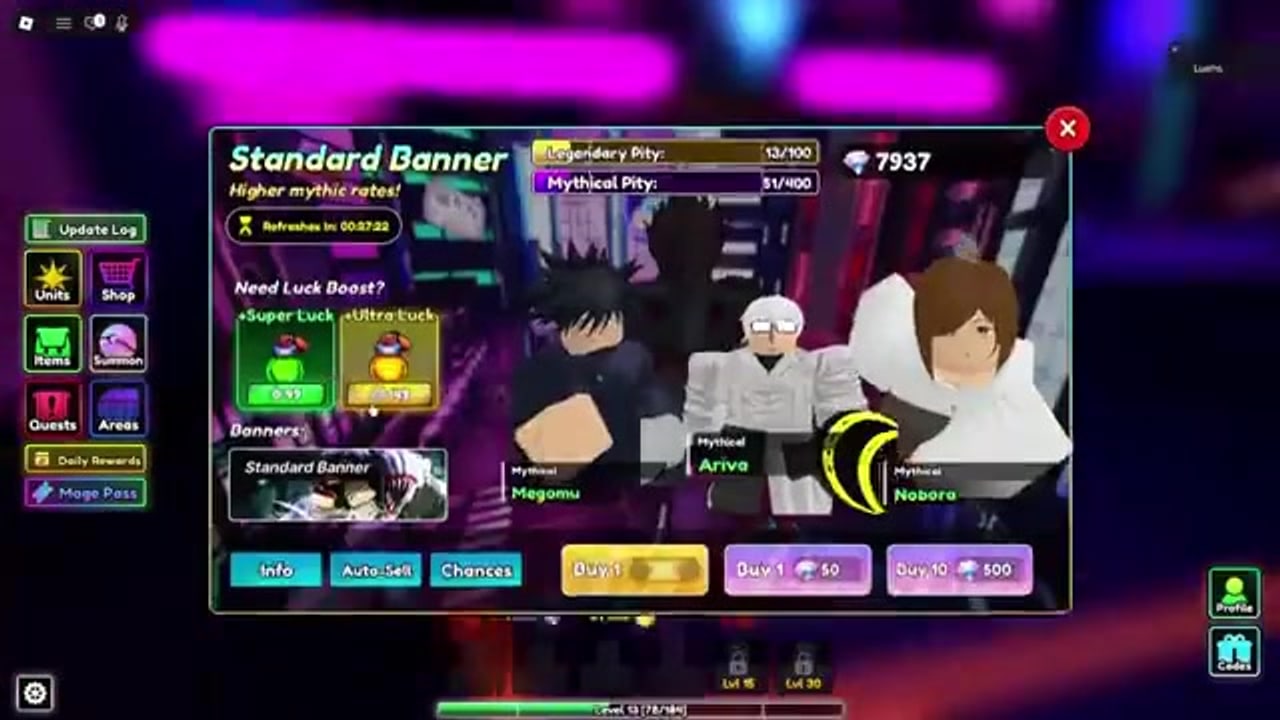
This hub is the planning desk for Anime Ascendants, the live Roblox tower defense at place ID 15601725874 (formerly Special Anime Defense). The two pages linked below are reference tables, not live calculators. They do not read your inventory, they do not spend Magic Tokens, and they do not place units for you in a 16-player lobby. They exist so you can decide before you walk up to Miki or lock a loadout.
The game is already released on Roblox, playable on desktop and mobile, and runs as online multiplayer with a 16-player server size. Planning still matters because traits cannot be transferred between units, farm units decide how fast you upgrade, and raid bosses punish you if you park your only Ascendant roll on the wrong slot.
What you can plan here
- The trait planner maps every common trait to a role, a keep-or-reroll call, and a token budget so you stop burning Magic Tokens on Range I.
- The team builder lists squad recipes for beginner story, mid-game, endgame, raid bosses, and Infinite, plus placement limits, range coverage, and 2x speed usage.
Use them together: pick a squad from the team builder, then open the trait planner and assign tokens to that squad’s carry, farmer, and support in that order.
Trait planner in one paragraph
Traits are the hidden multiplier on every unit. Ascendant (+325% damage plus a global team aura, one placed unit) and Singularity (+250% damage) belong on your highest-rarity carry. Golden (+30% damage, +25% money) belongs on Bolma or Senko. Supernova is the support default for Orwin. Berserker and Slayer are raid-boss traits, not something you sprinkle onto every slot. The planner page is a table-first checklist: role, keep or reroll, and which unit you should roll first when tokens are scarce.
Walk through how to reroll traits if you have not found Miki yet, then compare your rolls against the traits tier list.
Team builder in one paragraph
A squad in Anime Ascendants is not six copies of your favourite nuke. Beginner story wants a farm unit (Bolma or Senko), a legendary buffer or DPS (Touci or Orwin), and a mythic starter (Hosino or Megomu). Mid-game swaps in Shonks or Hosoko. Endgame is Sukuno, Yuto, or Itochi plus Orwin and a Golden farm. Raid bosses want Berserker or Slayer on the carry and do not spread Ascendant. Infinite starts farming on wave 1, maxes the carry by wave 15, and hits a DPS check around wave 50. The builder page writes those recipes out with placement and 2x speed notes.
Cross-check names on the units tier list and the farm and support page before you overwrite a working loadout.
How these tools sit next to guides and codes
The tools do not replace walkthroughs. If you are still learning the lobby, summon room, and first story maps, start with Getting Started and the Guides Hub. If you need Magic Tokens, Gems, or Stat Cubes to actually use the planner, redeem whatever is live on the Codes Hub and follow how to redeem codes. Expired strings belong on the expired codes list so you stop pasting dead text.
Evolution materials and story routing live on how to evolve and Story Mode. Best-in-slot names live on best units. Patch context lives on the Updates Hub and events.
What a reference table is not
These pages will not:
- Simulate DPS against a specific raid boss
- Auto-build a six-slot loadout from your box
- Tell you the exact Magic Token count in your inventory
- Replace the official Discord when a patch retunes a trait
They will tell you the keep/reroll call for Strong II versus Godspeed, the order you should spend tokens, and which three units belong in a beginner story lobby versus a raid lobby.
If you want automation instead of planning, that is a different category: see the Scripts Hub, auto-farm, and macros. Scripts are optional, risky, and never required to clear Story.
Desktop and mobile
On desktop, keep the planner or builder open in a second window while you stand at Miki or the loadout board. On mobile, screenshot the keep-or-reroll table or the squad recipe you need, then swap back into Roblox. Placement previews are easier on desktop because range rings are larger; the recipes themselves do not change between platforms.
Suggested loop before you spend tokens
- Confirm your current squad against the team builder.
- Open the trait planner and mark carry, farm, and support.
- Redeem any live codes so you have tokens.
- Reroll only the marked units, in that order.
- If a patch just dropped, skim updates before you dump a 200-token bank on yesterday’s carry.
Official links if a table looks stale
Trait odds and unit names shift after reworks. The live source of truth is the official Discord, summarised on the Discord page. The Trello page explains why the old Special Anime Defense boards still exist and why you should not treat them as current. The Links Hub lists the Roblox experience, group, Discord invite, and both Trello boards.
When you close this hub, you should have two tabs ready: one for traits, one for squads. That is the whole point of a planning desk in a 16-player Roblox tower defense. The tables will not play the match for you, but they will stop you from parking Ascendant on a farm unit, skipping Golden on Bolma, or walking into Infinite without a wave-1 farmer. Use them, spend tokens on purpose, then go place units.
Frequently Asked Questions
Quick answers for codes, traits, summons, and story progress.
Are the Anime Ascendants tools live calculators?
No. The trait planner and team builder are static reference tables. They do not connect to your Roblox inventory or spend Magic Tokens for you.
Which tool should I open first?
Open the team builder if you do not have a locked squad yet. Open the trait planner if you already know the three units you will bring and you have tokens to spend.
Do these tables work on mobile?
Yes as reference. Anime Ascendants is playable on desktop and mobile; screenshot the table you need, then swap back into the 16-player lobby. Range rings are easier to read on desktop.
Where do I get Magic Tokens to use the planner?
Redeem live strings on the Codes Hub, buy from the shop, and clear challenges, index milestones, and the pass. Then follow how to reroll traits.
Is Anime Ascendants released, and is it online?
Yes. It is a live Roblox game with online 16-player servers on desktop and mobile. It is not a local-only or unreleased title.